

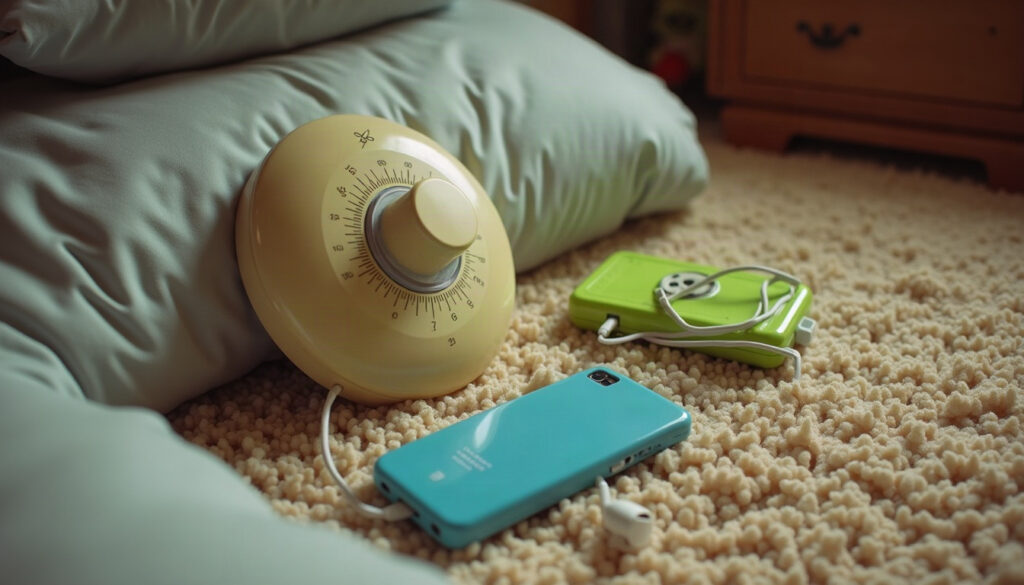
Click. Tick. Tick. Tick. That was the hallway dial thermostat when somebody nudged it up a notch, and a minute later the whole house gave a low shudder as the heat came on. (If you grew up with one, you remember the ritual: a quick glance down the hall, then a guilty little twist.)
Today the wall box has a screen, an app and opinions of its own. What should you ask when you’re looking at HVAC Castle Rock options before the cold settles in? That’s the fun part, because the answers read like a comeback story for the old dial, and I’ve been following it closely.
One dial, zero apps, total confidence
Then
The dial thermostat had exactly one job and no features. A round face, a tiny pointer, numbers you had to squint at, and a little lever that never quite landed where you wanted. You set it, you walked away, you trusted it.
Nobody checked it from the bus. The only “smart” feature was whoever walked past last, and that person was usually the one who bumped it up and then denied everything. (Every household had a thermostat suspect. Every single one.)
Retro vault
Many old wall thermostats worked with a coiled strip made of two different metals. As the room warmed or cooled, the strip bent slightly, and that bend tilted a small glass vial of liquid mercury to complete or break a circuit. No chip, no code, just metal doing what metal does when the temperature changes.
Now
Here’s the comeback part. The dial is back, and I mean literally: plenty of smart thermostats now wear a round face with a ring you turn, a clear nod to the hallway original. The look says friendly dial, the guts say tiny computer. Underneath, they do things the old dial could only dream about, like running a weekly schedule and sending the room temperature to your phone.
Some can tell when nobody’s home and ease off, and some will flag a system that’s running oddly. (Handy, since the old way of finding out was waking up cold.) What changed on the way back is the information. The dial never told you how long the heat had been running. The app can.
One thing hasn’t changed, though. A thermostat only asks for heat. It can’t make a tired furnace healthy, so think of the box on the wall and the equipment in the closet as a team.
Cool air came from one very loud window
Then
The window air conditioner was the original single-player mode. One room got to be cool and everybody orbited it. You learned where to sit to dodge the drip, how to talk over the rattle, and exactly how long the bedroom took to feel like a cave.
Cooling was something you did to a room, never to a house. Move from the cool bedroom to the hallway and it felt like stepping out of a movie theater into a parking lot. Bedtime negotiations mostly came down to who got the cold spot.
Retro vault
Before central cooling became common in homes, many families cooled a single room with a unit tucked into a window. The machine doesn’t make cold from nothing. It moves heat from inside the room to the outdoors, which is why the back of the unit always felt warm.
Now
Ductless mini splits are the grown-up version of that one cool room, minus the rattle in the window. A slim indoor unit mounts on the wall and connects to an outdoor unit, and each indoor unit gets its own remote or app control, a bit like a device with its own profile. You choose which rooms to condition and when, and rooms nobody uses can simply stay off the list. (Think of it as the end of the group-chat argument about who gets the cool bedroom.)
Central air is the other route, with cooling delivered through ducts to the whole house. Either way, the install involves refrigerant and electrical connections, so it belongs with a licensed professional, who should also explain how the equipment is sized for your layout. A good company will tell you why it recommends one option over the other, and that answer is worth more than any spec sheet.
Maintenance meant waiting until it got weird
Then
Our maintenance plan for the family tower PC went like this: wait for the fan to sound like a hair dryer, give the case a hopeful tap, restart. The furnace got the same treatment. The sounds were part of the charm: a fan whirring up, a faint tick as the metal warmed, a low thump somewhere in the walls. Nobody thought about it until the first chilly evening of the season, when the vents breathed out that faint toasted-dust smell and everyone shrugged.
If it ran, it was fine. If it didn’t, the whole house found out at once, usually at an inconvenient hour, usually with guests over. The old tech taught us a bad habit: treating anything with a fan as something that fixes itself.
Now
Maintenance has gone from “whenever it gets weird” to “on a schedule,” a lot like software updates. A furnace repair and maintenance visit is the equivalent of the update you keep postponing, except a technician checks how the system starts, runs and shuts off, plus the safety parts you can’t see. That is not a homeowner job, and it shouldn’t be.
Where winters get properly cold, you want to find out about a weak spot before the cold really arrives, not during it. And when an older furnace starts racking up repairs, a pro can walk you through repair versus replacement and what an installation involves. Here’s a quick checklist for trying the trend:
- Ask a pro whether your system works with the smart thermostat you like before you buy it.
- Start with one simple schedule and live with it for a week.
- Keep your favorite settings written down, in case the app resets.
- Book the pre-winter checkup early, not after the first cold snap.
What we kept, what we lost
| Then | Now |
|---|---|
| A dial on the hallway wall | A round smart face or an app |
| Click and hope | Weekly schedules and away modes |
| One loud window unit for one room | Wall-mounted units, each with its own remote |
| Learning about trouble when the house went cold | Alerts and scheduled checkups |
| Everyone guessing who touched the dial | Often a settings history in the app |
We kept the simple wish behind all of it: walk in the door and have the house feel right. We lost the satisfying click and the obvious, see-it-with-your-eyes workings of the old gear. The new stuff can do more, but it has more moving parts too, which is exactly why a good local professional is still part of the picture.
Hit save
The thing worth keeping from the dial days is the idea that comfort should feel simple, even when the tech behind it isn’t. Before the cold arrives, book a checkup for your heating, write down the settings you like, and ask whoever services your system what a smart thermostat would need to work with it. Click. Tick. Same house, better vibes.
